
Invitations, texted from your own number
Make it a whole thing.
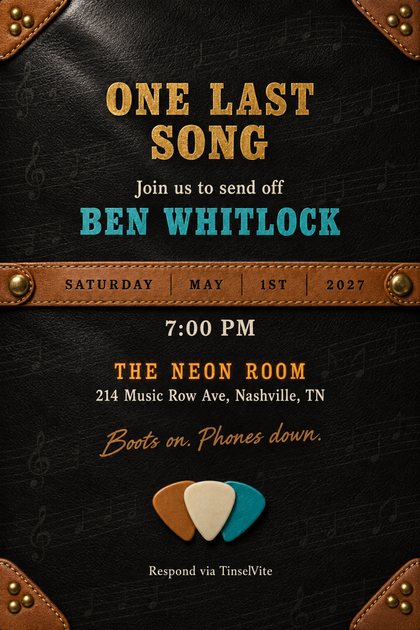
Velvet, leather and silk invitations, drawn for your party. For the fortieth anniversary and the Tuesday trivia night. Eight people or eighty, it's $5.99.
Free to download. Coming soon to the App Store and Google Play.
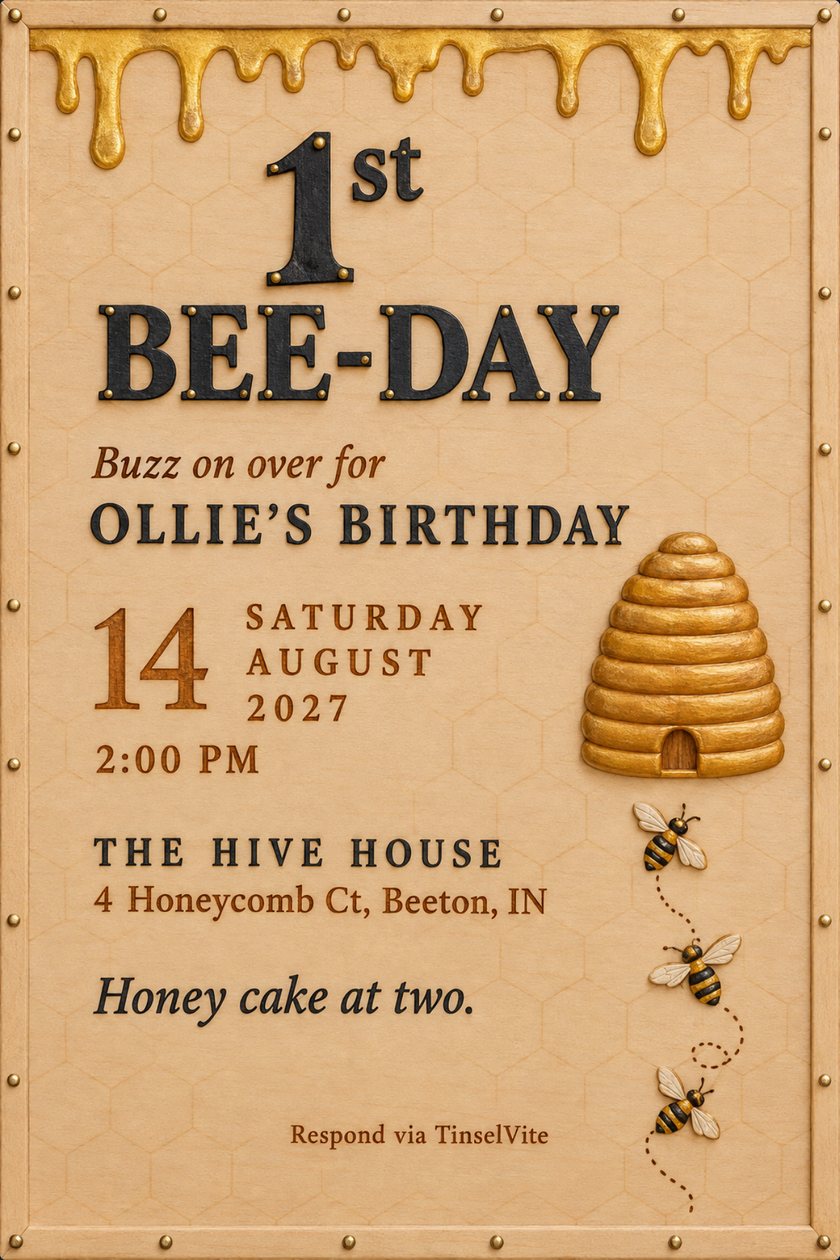
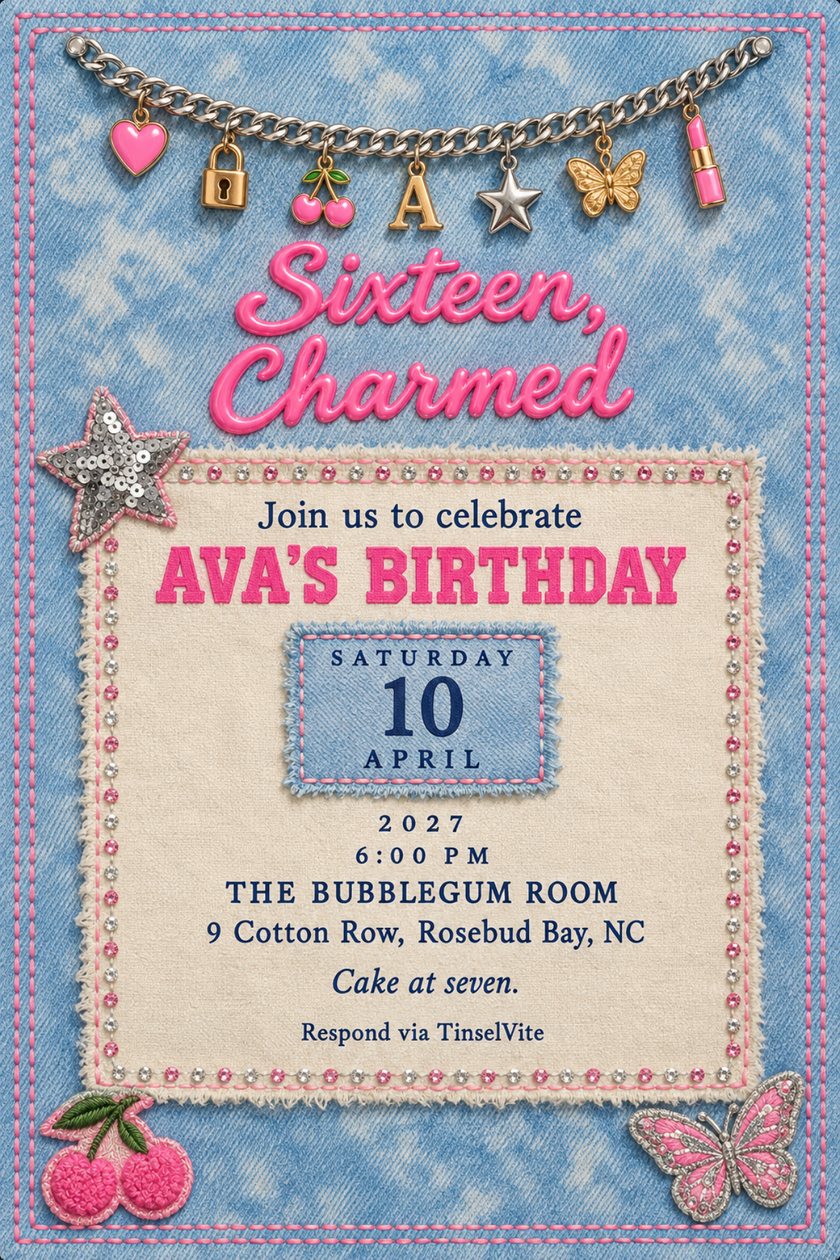
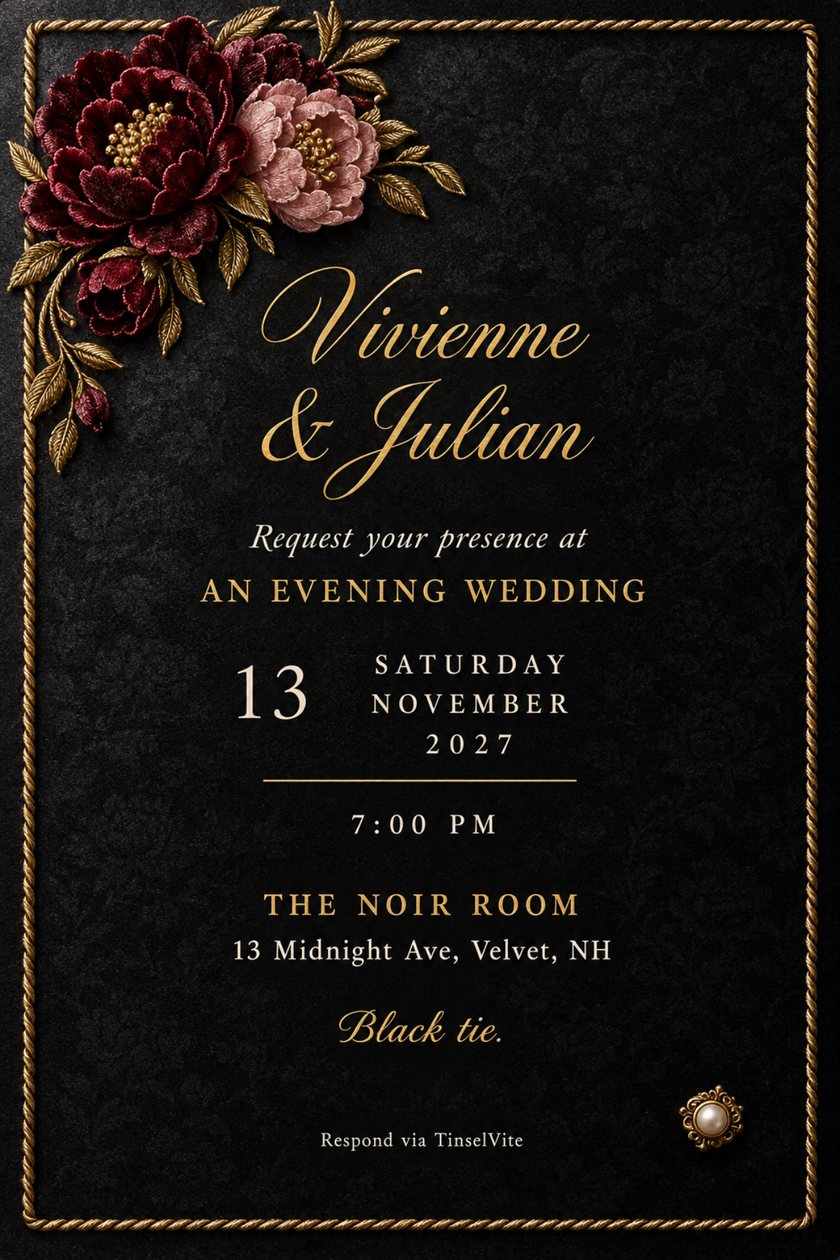
- No per-guest fees
- No subscription
- Guests need no app
- Every RSVP in one place
Pick your door
Two doors. One standard.
Whatever it is, it gets the same stationery-grade treatment.
For the things that happen on a Tuesday.
Trivia, book club, game night, the housewarming. Browse An Excuse An Occasion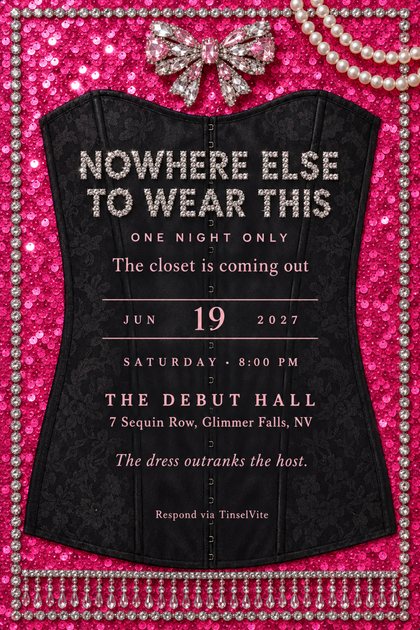
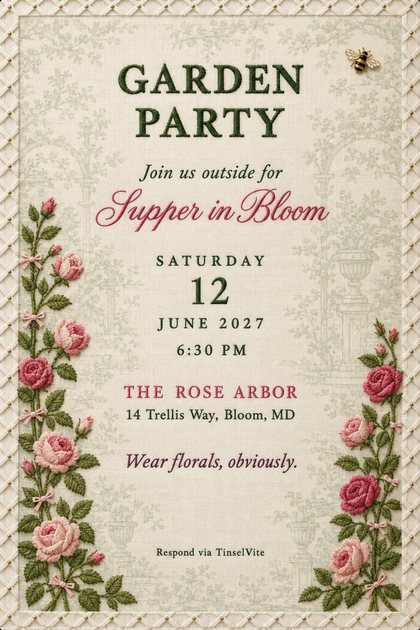
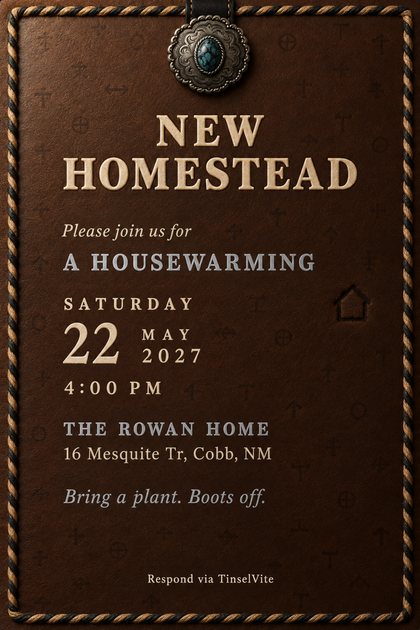
The real ones. Done plainly and well.
Weddings, anniversaries, baby showers, birthdays. Browse An Occasion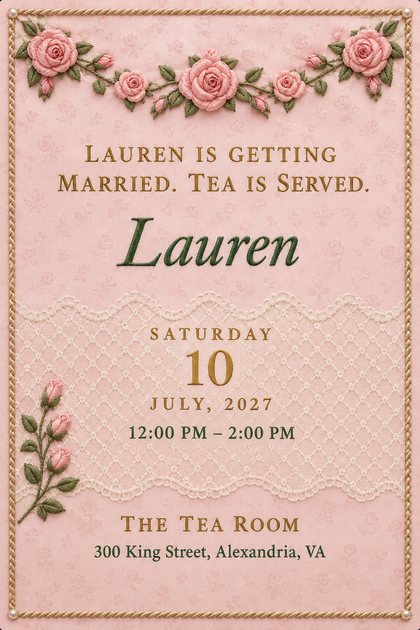
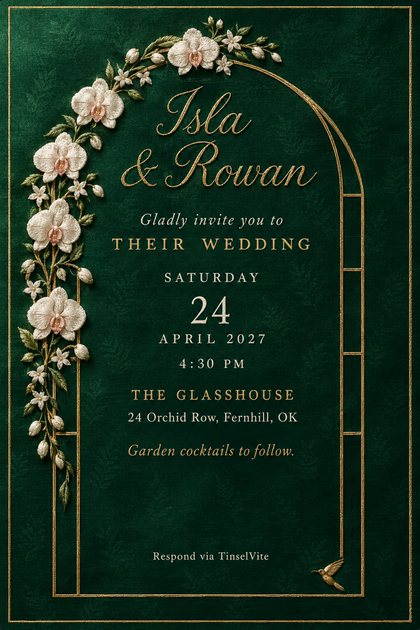

TinselLux editions, in velvet, leather, linen and silk.
TinselLux™
Tinsel was a luxury fabric once. We brought it back.
One design. Four materials.




Ivory leather, bright threadSatin stitch in four bright threads, on smooth ivory calfskin.
Ivory leather, two-threadThe same card in two threads only, hot pink and teal.
Cream raffiaA tight raffia weave with a stitched leather edge, embroidered on top.
Cream canvasFelt and chenille appliqué on heavy cotton canvas.
- Made in the material itself: tufted velvet, embroidered linen, cognac leather, duchess satin, raw silk, wool tweed, wool felt, lace-edged silk, matelassé, damask, bookcloth, sailcloth canvas, vellum, marble, porcelain and green baize.
- Finished details: stitching, foil, wax seals.
- The price of a nice coffee. The same $5.99 as every other invitation.
Fresh from the studio
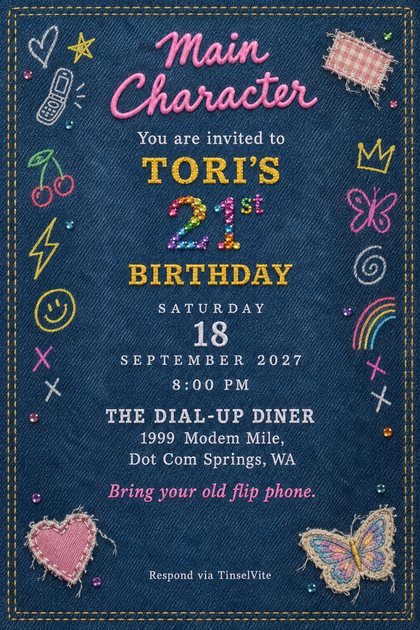
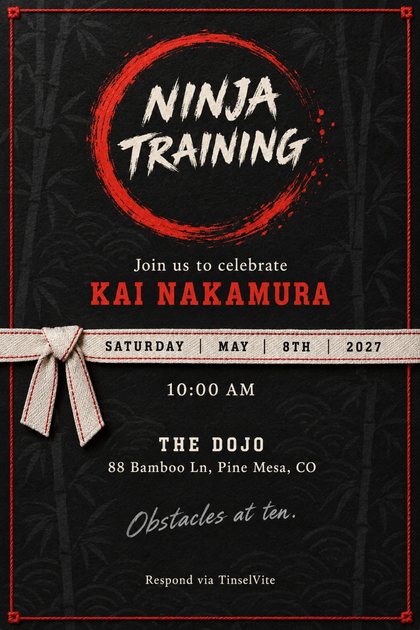
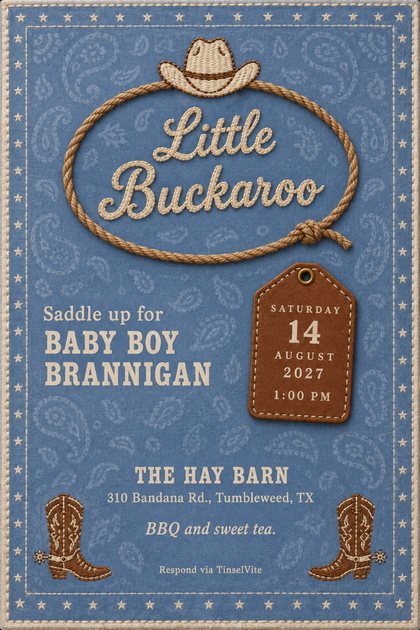
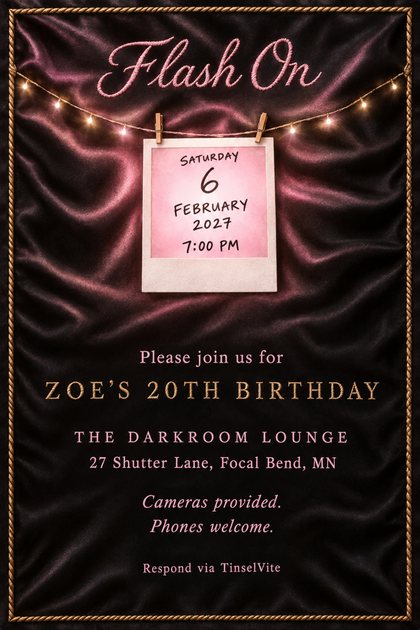
The newest designs.
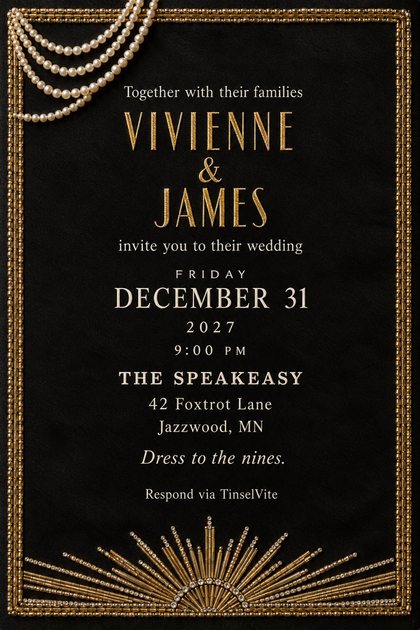

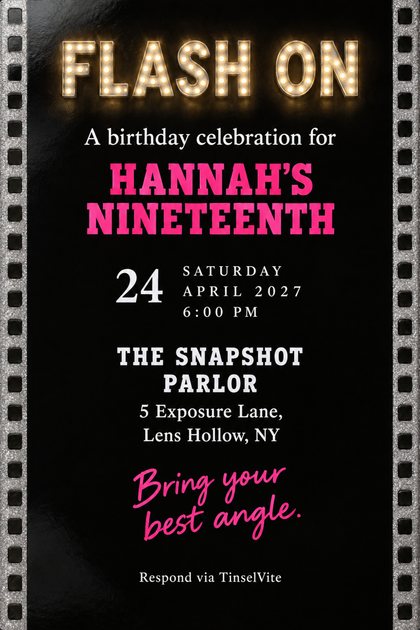


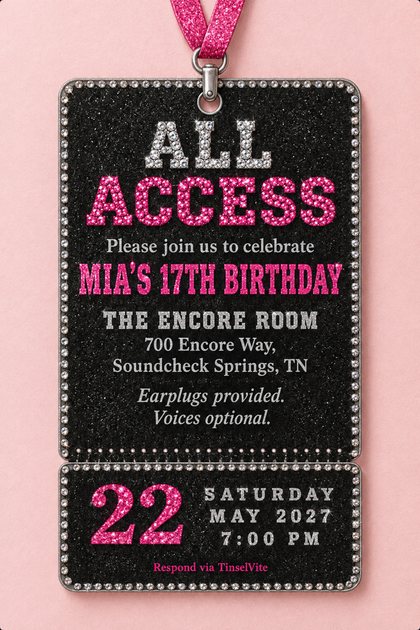

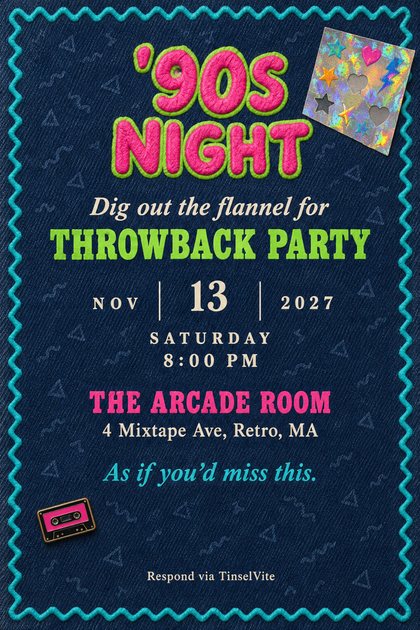
02
Send it. Stop asking.
- Text itFrom your number
- They open itNo app, no account
- Track itReplies in one place
Everyone else charges by the guest
We charge for the card. Not the guests.
We charge for the invitation. Send it to eight people or two hundred and the number does not move. No subscription, no coin currency, no per-head fee, nothing that renews.
Drawn to the same scale, at each platform's published rates, checked 20 August 2026. The cheapest alternative starts at nine times the price and several are more than sixty. For a card. That arrives by email.
Partiful is free. $5.99 is for the card.
03
A brief list of things that do not require an invitation
04
The group chat has failed you. Repeatedly.
Four asks, two answers, and a head count you invented. The invitation does the asking. The answers come back as a list that keeps itself current, and the one person who never opened it is on it too.
05
What comes back
A head count you can stand behind
Plus-ones and children counted separately. A number you can give a caterer, or a number of chairs.
Actual names
Not "the Okonkwos, party of four." The names, for place cards or for knowing who you are cooking for.
What they can't eat
Allergies, vegetarian, gluten-free: with the RSVP, instead of by text three weeks later.
Who hasn't answered
Sorted and dated, separate from everyone else. You nudge four people instead of texting forty.
Anything else you asked
A song for the aux. Whether they need the couch. What we're watching. The answer sits beside the person who gave it.
Changes of mind
They reopen the same link and update it. Your count moves; nobody has to text you an apology.
No app for guests. No account. No password. Unlimited guests, free to send.
06
One card, and everything behind it

The card is what arrives in the text. One image, made for this evening and no other. Behind it sits everything a guest will actually ask, so nothing crowds the card and nothing goes missing.
- The book
- Three hundred and forty pages. Chapter one counts.
- Wine
- Provided. Bring more only if you intend to be competitive about it.
- Parking
- Street. The space by the mailbox is not a space.
- Children
- Not provided for, not discussed, not this evening.
- We asked them
- "Did you finish it?" Two yes, five no, and one "I listened to most of it."
- Ends
- Eleven o'clock. It will be midnight.
The design studio
Designed in the TinselVite studio. Never clip art.
Every invitation is designed in our studio. Not pulled from a shelf of clip art. Not typed into a box and hoped for.
Every card is built to the same written standard: one material, a held palette, type in a real hierarchy, room for the words. The method is ours. Every card gets it.
Nothing leaves below the standard. A design that misses it is reworked at the table before it reaches you.
Your words, painted in and proofread
Every line is read back, letter by letter, against what you typed. A slip is painted again before you see it.

No clip art. No stock. Nothing reused.
Every piece is drawn new for your party, in a material you could almost touch: velvet, foil, stitched denim.
Questions
- What is TinselLux?
- Invitations made to look like a finished material: tufted velvet, embroidered linen, cognac leather, duchess satin, raw silk, porcelain and more. Tinsel was a luxury fabric once. We brought it back.
- Is TinselLux more expensive?
- No. It costs the same as every other invitation. $5.99 buys one.
- Isn't this overkill for a movie night?
- That is sort of the point. An invitation is what makes a Tuesday feel planned, and planned is the difference between six people showing up and three.
- Can I use it for something small?
- Eight people, eighty people, same price. We don't count your friends.
- Is the artwork AI-generated?
- Image software does the drawing, under our direction. The design is ours: planned to the studio's written standard, then checked line by line before you see it. No clip art, no stock, nothing reused.
- Can I change the names painted on the design?
- Yes. Type your own names, initials or title, and the design is painted again with them, in the same style. Each painting is one of the three your credit covers.
- Do you do weddings?
- Yes, and properly, along with anniversaries and baby showers. Multi-day schedules, hotel blocks, registry, meal choices, a real head count. It is the same product taking a bigger occasion seriously.
- Do my guests need the app?
- No. They tap the link in your text and it opens in whatever browser they already have. They reply on the same page. No download, no account, no password.
- How does the text get sent?
- The app makes a private link for each guest and hands the message to your phone's own Messages app. You press send, so it arrives from your number, in the thread you already share.
- What can I ask for in an RSVP?
- Attending or not, the number in their party, plus-ones and children counted separately, names, meal choices, dietary needs, and any question the party needs answering.
- Can a guest change their answer?
- Yes. They reopen the same link and update it, and your list reflects it immediately.
- Is there a subscription?
- No. The app is free to download and free to send with. Credits are bought once and never expire.
Send the invitation. Let it do the chasing.
Free to download, free to send. You pay when you make a design, and never again for that one.